
Record internal and external calls and Teams meetings, with PCI pause and resume and storage in the TeamMate cloud or SharePoint.
Free 30-day proof of concept for service providers.

Installed in the Teams tenant as a scalable Azure-based service that uses Microsoft Graph for native access to call activity. For regulatory compliance, customer service and employee training.
SOC 2TYPE 2TeamMate is SOC 2 Type 2 certified. Visit the Trust Center →
An Adaptive Card in Teams lets users pause and resume recording while card details are shared. Participants hear when it pauses and resumes.

Create compliance recording policies and apply them at tenant, user or security group level.

Role groups restrict search and playback for certain users.

See who accessed which recordings.

Store recordings in the TeamMate cloud or your own SharePoint.
Inbound, outbound, federated and conference calls, plus meetings.
Find calls in a browser interface, then play them back or download them.
Sign in with Microsoft. No separate accounts.
 What your customers getWhat you get
Put your cloud or on-prem PBX on the native Teams dial pad. Connect one or several PBXs per tenant.
Learn more →VoiceAutomated build and management of Direct Routing, including users, settings and call paths.
Learn more →VoiceThe provisioning experience of Operator Connect, available without a certification program.
Learn more →MessagingWhite-label SMS and MMS in Teams, with shared team inboxes per number.
Learn more →All Teams voice activity: inbound, outbound, federated and conference calls, and meetings.
In the TeamMate cloud or your own SharePoint, with user-defined retention.
An Adaptive Card in Teams lets the user pause and resume recording. Participants see and hear when recording pauses and resumes.
No. Single sign-on with Microsoft means no separate accounts.
Role groups control search and playback, and the audit log shows who accessed which recordings.
Yes. Teams Call Recording is white-label and sold under your brand.
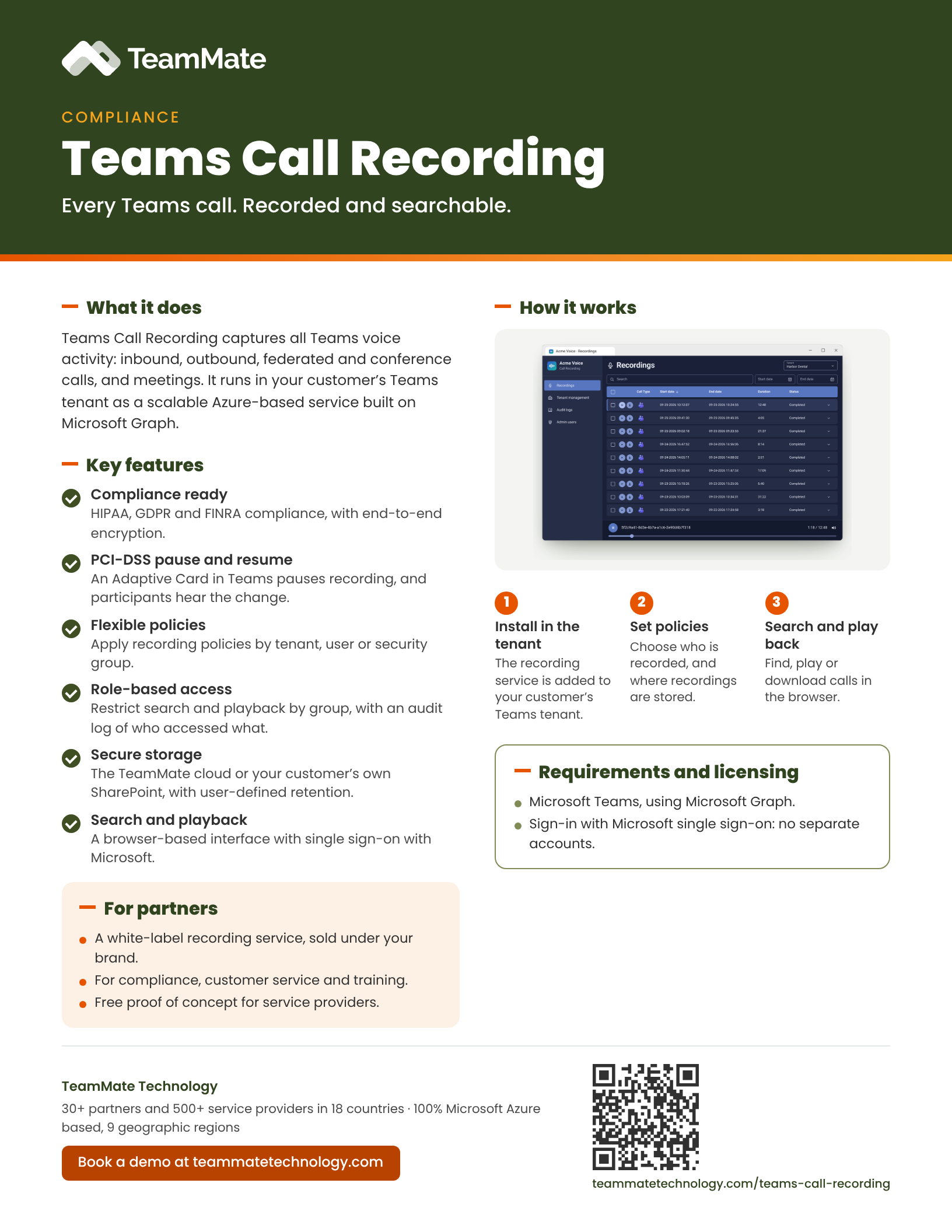
A one-page PDF overview of Teams Call Recording: what it does, the key features and what you need to run it. Share it with your team or your customers.
Download the data sheet (PDF)See Teams Call Recording in a live demo, or start a proof of concept.
Free 30-day proof of concept for service providers.