
Turn the Teams dial pad into a softphone on the UCaaS or PBX you already run, with a Teams app that carries your brand.
Free 30-day proof of concept for service providers.
TeamMate automates the Microsoft side, so you focus on your customers.
Add your branding and invite your first customer to connect a PBX to their Microsoft 365 tenant.
Enter PBX and user details, or pull them from your provisioning server with SIP auto-provisioning. TeamMate automates the Direct Routing link, and you can step in at any point.
Calls run through your existing PBX to Teams on desktop, browser and mobile.
Deploy a branded app to each customer's Teams app catalog, with your logo and your service details. It brings your UCaaS features into Teams.

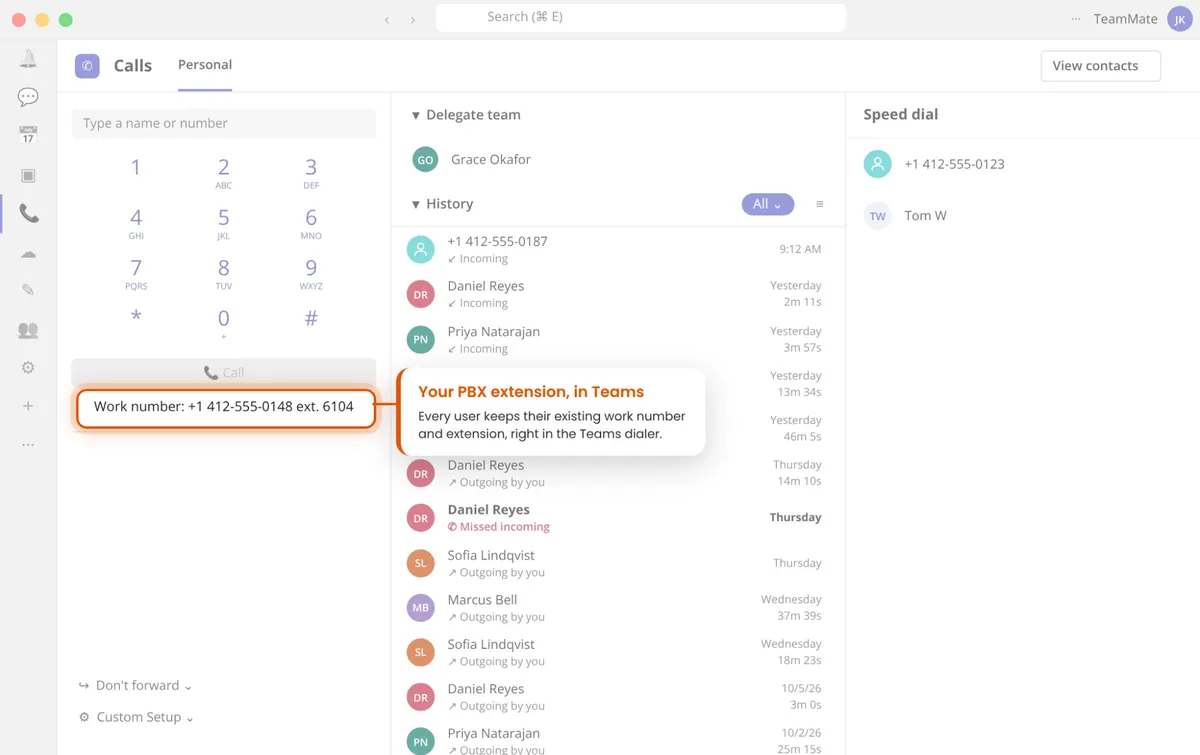
Teams Calls becomes a softphone on your PBX, using the DID or extension from the PBX, with extension dialing. Connect one or several PBXs per tenant.

One click from Teams into your customer portal.

New voicemail alerts, right in Teams.

Put the PBX functions you choose one tap away.

Integrated with Microsoft Contacts and Calendar.
On a PBX call? Teams status switches to "On a Call" automatically. How presence sync works
Stop calls ringing through to Teams during meetings or focus time. About Presence Pause
Transfer calls to any Teams user with real status updates to the PBX. About Pro Transfer
TeamMate registers to your existing PBX over SIP. Don't see yours? Challenge us with a new system.






























Systems shown on the current PBX Connector page. Logos are trademarks of their owners.
PBX Connector registers each Teams user to their own SIP extension, so your PBX treats Teams like any other softphone.
A Teams app opens a separate softphone.
The PBX also rings a Teams number.
Each Teams user registers to their own extension.
A back-to-back user agent (B2BUA) maps each Teams user to their SIP extension.
What your customers getWhat you get“As the telco experts, we know what TeamMate brings with PBX Connector… that’s exactly what our partners are providing.”
Klaus HaertelDirector for Global Channel and Alliances, PortaOneA brandable add-on to PBX Connector. Calling in Teams with no Microsoft Phone System licenses required.
Learn more → VoiceCompliance recording for calls and meetings, including a payment (PCI) pause and resume.
Learn more → VoiceAutomated build and management of Direct Routing, including users, settings and call paths.
Learn more → MessagingWhite-label SMS and MMS in Teams, with shared team inboxes per number.
Learn more →Each Teams user registers to their own SIP extension on your PBX, so calls keep your PBX features like park, transfer, queues and voicemail. Your team provisions and supports it like any other softphone.
An SBC is needed for any SIP connection to Microsoft Teams, and it's included. TeamMate runs SBCs in 9 Microsoft Azure regions.
Yes. The numbers assigned on the PBX are added to Teams, which acts as another appearance (Shared Call or Shared Line Appearance) for the same PBX users.
No. They keep the carriers and service providers that deliver their PSTN service.
No. It doesn't change the PBX, SIP trunk or Teams account. It links them with a light touch.
Everything the Teams user sees: soft keys, portals and notifications. Set up branding during initial setup so every customer gets the same Teams softphone experience.
Per user, per month.
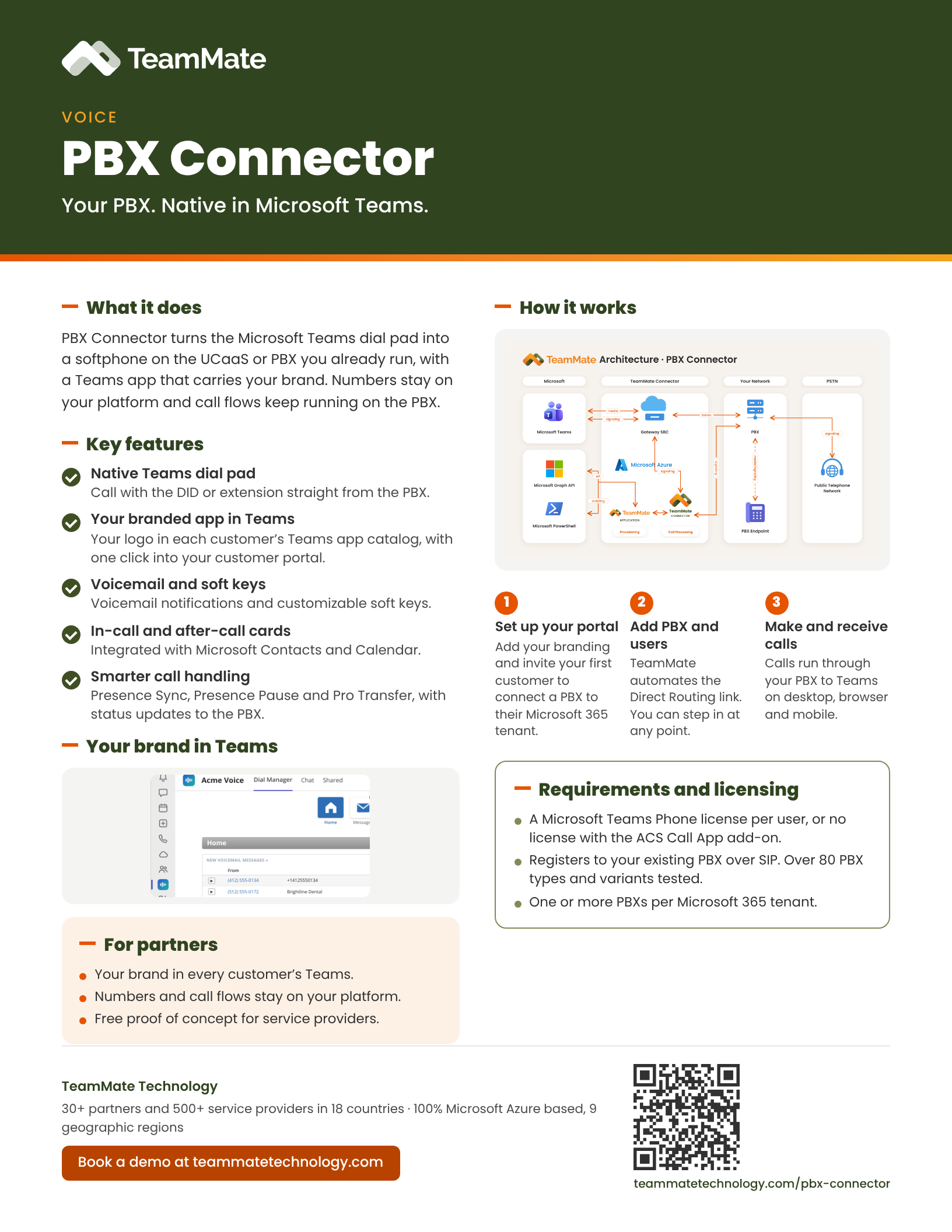
A one-page PDF overview of PBX Connector: what it does, the key features and what you need to run it. Share it with your team or your customers.
Download the data sheet (PDF)See PBX Connector in a live demo, or start a proof of concept on your own PBX.
Free 30-day proof of concept for service providers.