A use case is easiest to understand as a story. This one follows an example dental practice with three locations, a busy front desk at each, and an AI voice agent that was supposed to free everyone up. It did half the job. Here is what was missing, and how they fixed it.
This is an illustrative scenario, not a specific customer. The numbers are examples to show the math.
The scenario: a busy three-location practice
The practice runs three offices with one front desk coordinator at each. A typical day at each desk looks like this:
- Answering a steady stream of calls about appointments, insurance, and directions
- Checking patients in and out at the counter
- Working the office inbox, which fills with appointment requests, reschedules, insurance questions, and "are you open Friday?" emails
Last year the practice added an AI voice agent. Calls now get answered on the first ring, day or night. Common questions get answered without a human, and appointments get booked straight into the calendar.
The phones were solved. The front desk was not.
The problem: the inbox never stopped
Patients don't only call. Many of them email, especially to reschedule, ask a quick question, or reach out after hours. Industry data backs this up. In a YouGov survey for UJET, 46% of consumers used the phone and 32% sent an email when they contacted brands for support over a three-month period. That means for every three people who call, about two more email.
At the practice, that played out in three ways:
- Coordinators were still chained to the desk. Each one spent about two hours a day in the inbox, reading, looking things up, and replying.
- After-hours emails waited until morning. A patient who emailed at 8 p.m. to move an appointment heard back the next day, if the coordinator caught it between calls.
- Answers didn't match. The voice agent gave callers one answer from its knowledge base, and the inbox got whatever the coordinator remembered.
The practice had automated the phone and kept the same staffing problem. A voice agent that can't read email doesn't replace a receptionist. It replaces a phone.
The solution: one AI agent for the phone and the inbox
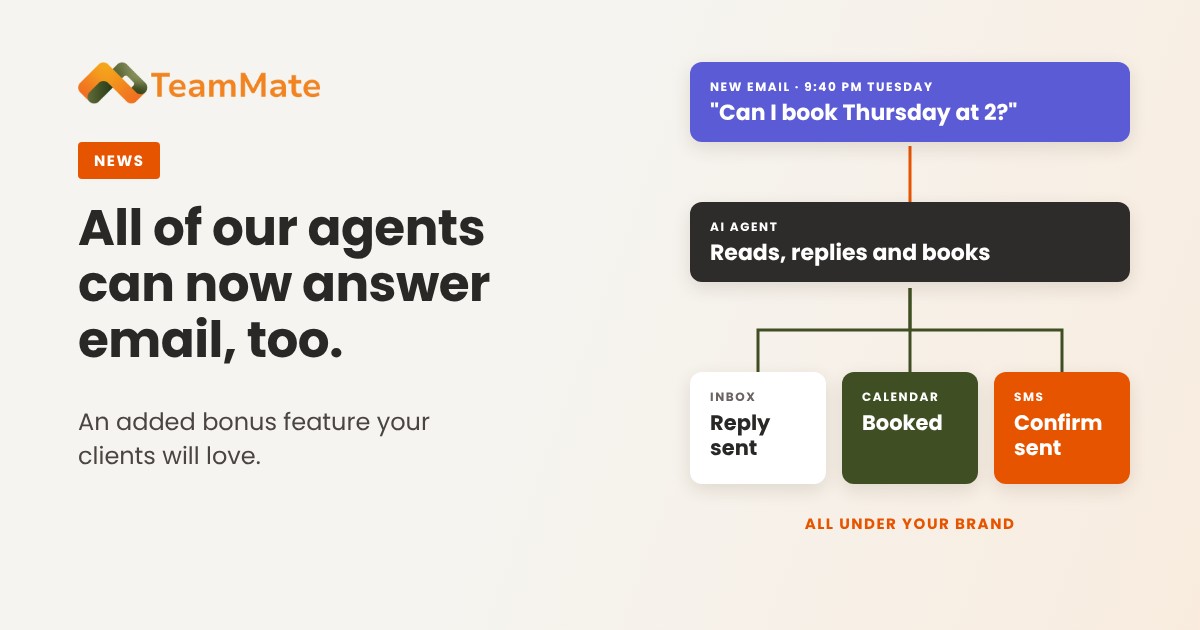
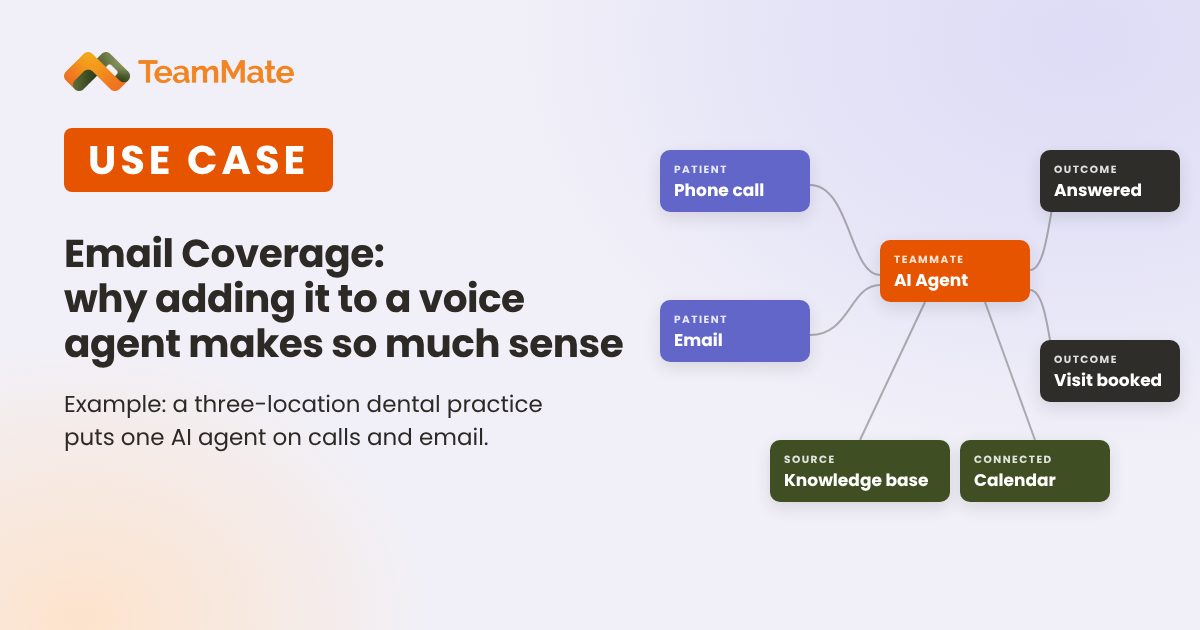
The practice turned on email monitoring and reply on the AI agent it already had. TeamMate AI Voice Agents can now monitor a mailbox, reply to emails, and book appointments on their own. It's the same agent patients already talk to on the phone, now working one more channel.
How it works
The practice connected the office mailbox patients already write to. The agent watches it, reads each new message, works out what the patient needs, and replies from the same address. Patients didn't have to change anything. They just started hearing back faster.
Answers from the same knowledge base
The agent answers email from the knowledge base it already uses on calls: office hours, locations, accepted insurance, new-patient steps, and cancellation policy. A caller and an emailer asking the same question now get the same answer. When the practice updates the knowledge base, both channels update at once.
Booking straight into the calendar
Many of the practice's emails were really scheduling requests. "Can I move my Thursday cleaning?" "Do you have anything open next week?" Because the agent is connected to the practice calendar, it checks availability and books, confirms, or reschedules right in its email reply. No back and forth, and nothing waits for the morning.
Nothing extra to buy
Email monitoring and reply is included with TeamMate AI agents. The practice didn't add a second tool or a separate email bot. It turned on a capability the agent already had.
The result: the front desk got its time back
With one agent covering both channels, the routine work was handled. The coordinators put that time into the work that needs a person:
- Patients at the counter get full attention instead of half of it.
- Insurance problems, billing questions, and upset patients go to someone who can make a decision.
- Recall and reactivation calls to patients overdue for a visit, which used to slip every week.
- Filling same-day openings from the waitlist instead of leaving chairs empty.
The value, in hours and dollars
Here is what that looks like for the example practice:
- About 1,500 hours a year back. Two inbox hours a day across three desks is about 1,500 hours a year. At the BLS median receptionist wage of $17.90 an hour, that's roughly $27,000 a year in wages, before benefits and overhead.
- After-hours emails answered right away. Reschedules at 8 p.m. or on a Sunday get handled immediately, so fewer patients turn into no-shows.
- Fewer missed bookings. Every scheduling email gets a reply and a booked slot, not a reply that arrives after the patient has booked somewhere else.
- One tool, not two. One agent covers phone and email, with one knowledge base and one place to manage it.
- Consistent answers. No gap between what the phone says and what the inbox says.
- Room to grow. A fourth location or a busy season doesn't mean hiring someone just to watch the inbox.
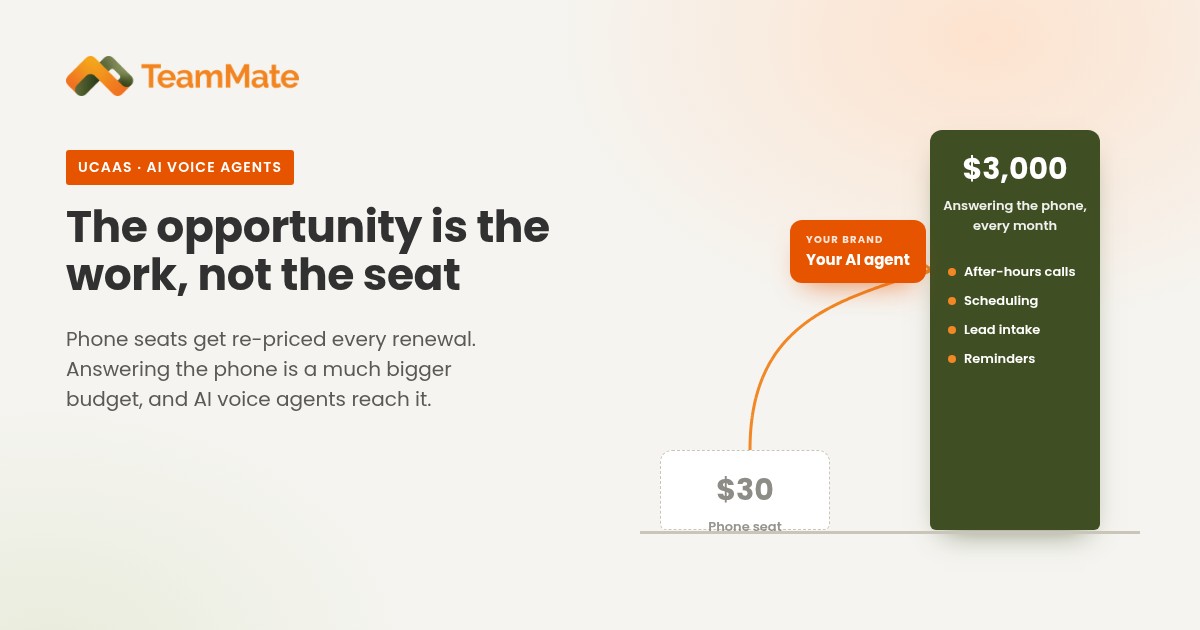
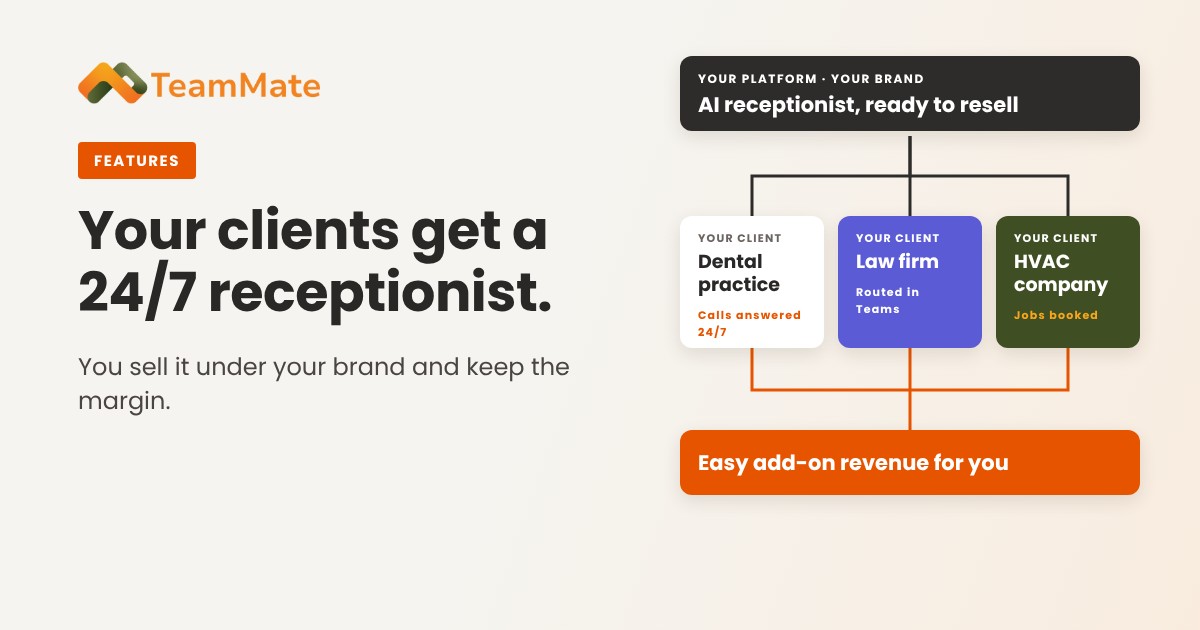
- More value to sell, for partners. If you're an MSP or service provider, email coverage makes the agent worth more to your customer. Package it as a paid add-on, or include it free to win over a prospect who's on the fence.
Does this sound like your front desk?
The same pattern shows up well beyond dental practices: clinics, property managers, law and accounting offices, and service businesses. Ask yourself:
- Does someone still have to watch the inbox while your AI agent takes calls?
- Do email booking requests wait hours, or overnight, for a reply?
- Do callers and emailers ever get different answers to the same question?
- Could your front desk take on more valuable work if the inbox handled itself?
If you answered yes to any of these, your AI agent is only doing half the job.
Put your agent to work in the inbox
Your customers don't pick just one channel, and your AI agent shouldn't either. A TeamMate AI agent answers the call, works the inbox, and books the appointment, so your team can focus on the work that needs them.
See how it works on the AI Voice Agents page, or book a demo and we'll walk through what it would look like for your front desk.