The call ends. Then what?
A customer calls to book a service visit. The AI agent finds an open slot and books it. Everyone's happy. Then the customer hangs up, can't remember if it was 2:00 or 3:00, and calls back to check.
Customers live in their text messages. Your AI agent should, too.
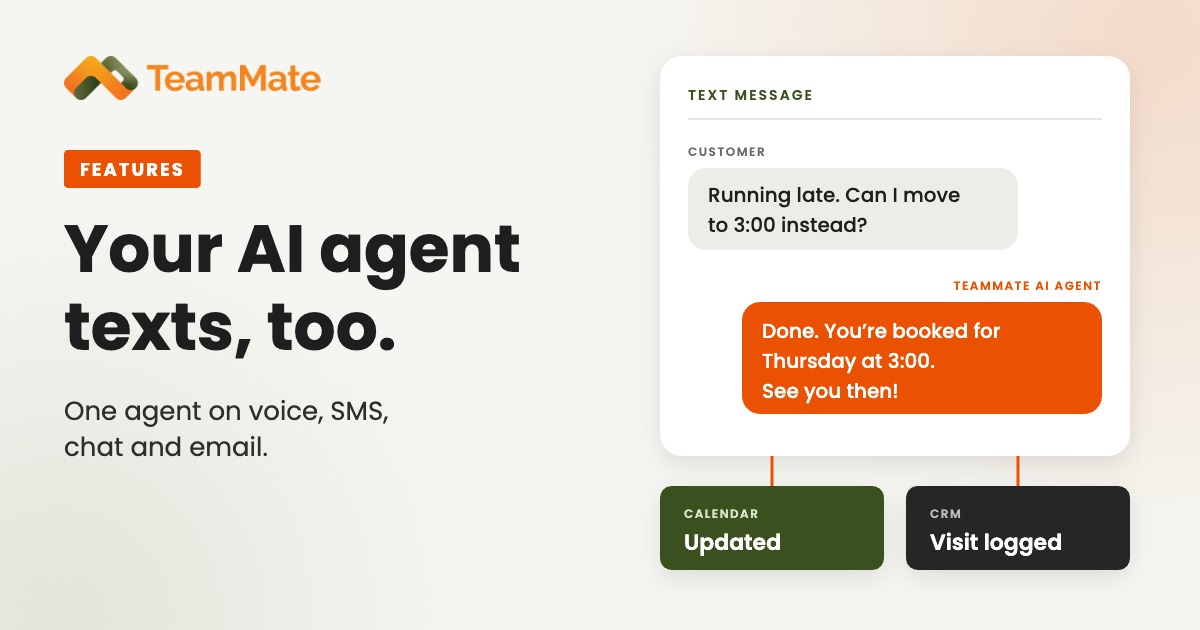
Every TeamMate AI agent can text. It sends the confirmation while the caller is still on the line, answers texts with the same knowledge it uses on calls, and updates the systems behind the conversation, with no one touching a keyboard.
What the agent does with SMS
Texts during the call
The agent sends text messages from templates in the middle of a conversation: a booking confirmation, an address, a link or a reference number. The customer has it in writing before they hang up.
Answers texts the way it answers calls
Voice, SMS and chat run on the same agent, with the same prompt and the same knowledge base. Hours, services, pricing and policies come from the business's own material, not the open internet. A customer who calls on Monday and texts on Tuesday gets the same answer, under the same brand.
Keeps the calendar in step
The agent connects to Google Calendar and Outlook Calendar, checks real availability and confirms the result by text. We covered setup in Connect an AI Agent to a Calendar, No Developer Needed.
Finishes the job
A text is only the part the customer sees. Through webhooks, the official n8n node and MCP integrations, the agent can update a CRM, open a ticket or start a workflow. The message goes out, and the work behind it gets done.
One agent, every channel
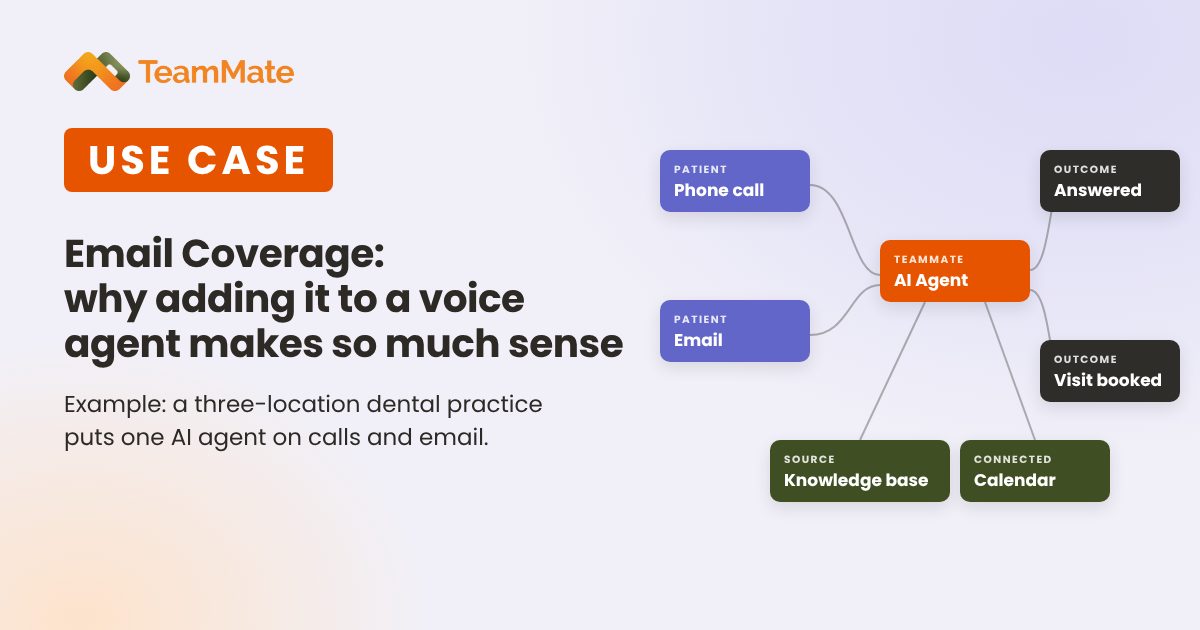
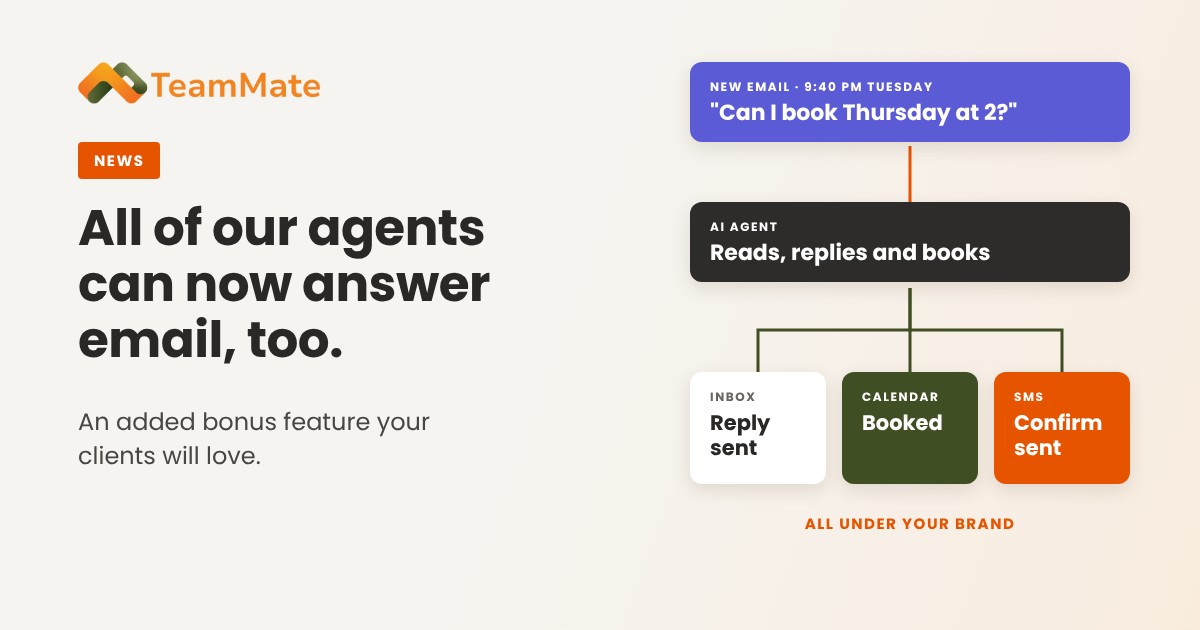
Phone, text, chat and email. One agent covers all four.
There's no second system to train, and no chance the texting bot and the phone agent give different answers, because they're the same agent.
Your team texts from Microsoft Teams
The AI agent handles the routine, around the clock. When your people need to text a customer themselves, they don't need another app. With the TeamMate SMS Connector, staff send and receive business texts natively in Microsoft Teams, with a shared team inbox for each number and contact names from Outlook and Microsoft 365.
For regulated customers like medical practices and banks, Secure SMS encrypts every message and records access in Microsoft Purview audit logs.
Why this matters for partners
For service providers selling TeamMate AI Voice Agents:
- More value in every deal. One agent covers calls, texts, chat and email, so your customers get more coverage from a single product.
- An easy add-on. Pair the agent with SMS Connector and your customer's whole team texts from Microsoft Teams.
- Harder to replace. An agent that answers the phone, texts customers and updates the CRM becomes part of how the business runs.
- Still under your brand. Everything stays white-label: your brand, your domain and your pricing.
Get started
Texting works with TeamMate AI agents today. If you already run agents with TeamMate, talk to us about turning SMS on for your customers. If you're new, start a free 30-day proof of concept and see it work with your own phone.
Ready to give your customers an AI agent that texts? See AI Voice Agents or book a demo.