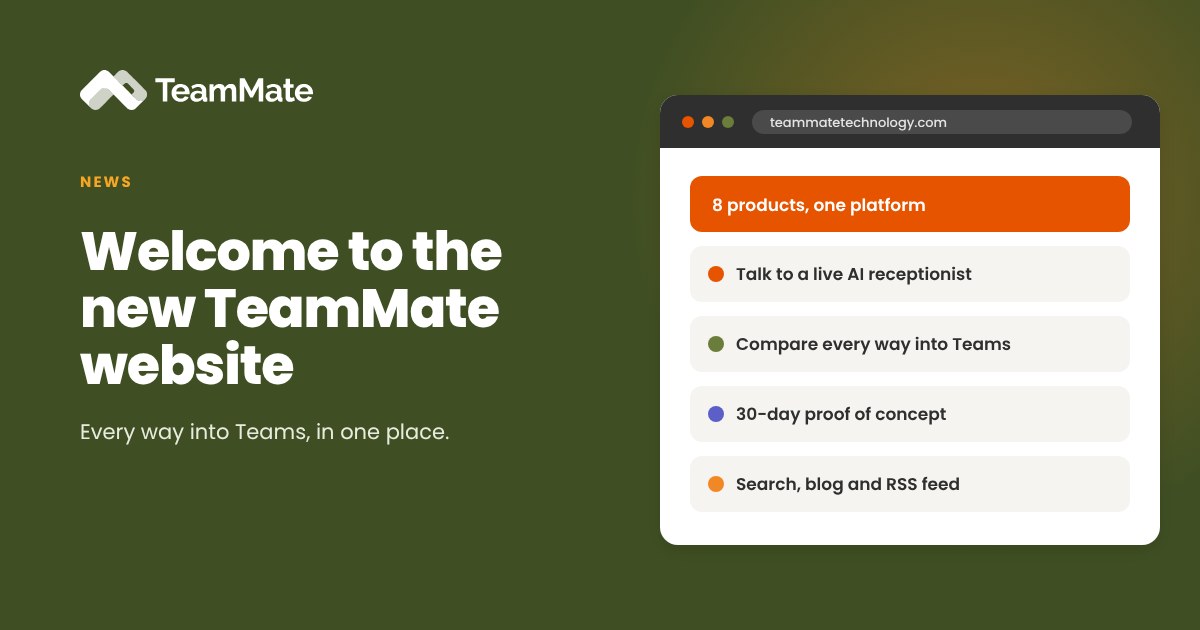
TeamMate has a new website. We rebuilt it from the ground up around one idea: a service provider should be able to see, in a few minutes, every way TeamMate puts their service into Microsoft Teams, and then try it for themselves.
The products haven't changed. What's changed is how quickly you can find the right one, hear it working and get a tenant running.
One platform, every way into Teams
Most providers we talk to want more than one thing. A customer might need their PBX on the Teams dial pad, SMS in a shared inbox and native Teams calling for a second office. The new site starts there.
The home page lays out all eight products on the TeamMate Partner Platform, grouped by what you sell:
- Voice: PBX Connector, ACS Call App, SIP Trunk Connector, Operator Connect Express, AI Voice Agents and Teams Call Recording
- Messaging: SMS Connector and ChatBridge
Every product runs on your network, with your numbers and your brand. Calls ride your PBX, SIP trunks and carrier. Texts ride your SMS gateway. Your customers manage users and numbers in a portal that carries your name, not ours.
Hear an AI voice agent for yourself
AI Voice Agents for Microsoft Teams are now generally available, and the best way to understand them is to talk to one. On the new site you can:
- Click Talk to our AI receptionist on the home page to have a live conversation in your browser.
- Click Call next to our main line or support line at the bottom of any page. Those buttons connect you to the same agents that answer our phones.
The AI Voice Agents page also walks through the templates you can resell, from Transfer and Message Taker to Scheduling and After Hours Helpdesk.
Compare your options in one place
There are several ways to connect a phone service to Teams, and they are easy to confuse. The new Compare options page puts TeamMate, other integrations, Operator Connect and do-it-yourself Direct Routing side by side.
It covers the questions providers ask us most: which connection types each one supports, what you can sell, whether Microsoft certification is required, how much is automated and how branding works. A second table explains when to use Operator Connect Express and when to use SIP Trunk Connector.
Start a proof of concept in minutes
The proof of concept page is now a short form. Fill it in and we create your TeamMate portal account as soon as you submit, followed by an email with your login and next steps. The proof of concept is free for 30 days, and you can book an onboarding session if you'd like us to walk you through setup.
Find a partner, or become one
Service providers can learn about the program, multi-level channels and white-label options on the Partners page. Businesses looking for a provider can browse the partner directory by location and PBX platform.
Easier to find what you need
A few smaller changes make the site faster to use:
- Search on every page, covering products, guides and the full blog archive.
- A refreshed blog with category filters for guides, news, events and case studies. Every older post is still at its original address.
- An RSS feed at teammatetechnology.com/feed.xml so you can follow new posts in your reader of choice.
- Our Trust Center at trust.teammatetechnology.com, with details on our SOC 2 Type 2 certification.
Take a look
Start on the home page, try the AI receptionist, and tell us what you think. When you're ready, start a free 30-day proof of concept or book a demo with our team.