How does a UCaaS provider compete with the Microsoft Teams Phone bundle? Unbundle it. Microsoft's Teams Phone with Calling Plan bundle is two products in one license: a cloud phone system (Teams Phone) and Microsoft as the phone carrier (a Calling Plan). A provider can win either half or both. You can supply the numbers and calling inside Teams, keep your own PBX as the phone system behind Teams, or, with TeamMate, take the Teams Phone license out of the deal altogether.
The bundle wins on convenience: one vendor, one invoice, already in the Microsoft 365 admin center. But the phone system and the carrier are separate decisions, and Microsoft's own documentation treats them that way. That's where a provider's numbers, features, support and brand come back into the conversation.
What is the Teams Phone bundle, exactly?
Microsoft's Teams add-on licensing documentation lists the pieces separately:
- Teams Phone Standard is an add-on license that provides PBX capabilities "such as cloud voicemail, call forwarding, call transfer, auto attendants, call queues, and caller ID."
- Calling Plans are an add-on to Teams Phone for calling the public phone network (PSTN). "With this option, Microsoft is your PSTN carrier."
- Teams Phone with Calling Plan bundle is a single add-on that "provides both Teams Phone and a Microsoft Calling Plan."
Some customers already own the first half. Microsoft's license SKU list includes "Microsoft Enterprise E5 (with Teams Phone)," and frontline subscriptions have their own Teams Phone Standard for Frontline Workers license. Microsoft also says Teams Phone requires a separate add-on license, and that for external calls "you'll need to choose a PSTN connectivity option as well."
So every Teams Phone customer still needs a carrier, and Microsoft is only one of the choices.
Can customers use Teams for calling without a Teams Phone license?
It depends on who they're calling and how the calls are delivered.
Calls inside the organization: yes. Microsoft says "most Microsoft 365 plans allow Teams users to make peer-to-peer calls within your organization using VoIP technology." Teams-to-Teams calls don't need Teams Phone.
Calls to phone numbers through Microsoft's PSTN options: no. Microsoft's PSTN connectivity guide says the user account "must be licensed with the Teams Phone application and also be equipped with a PSTN solution." Its licensing page says Operator Connect, Teams Phone Mobile, Direct Routing and Shared Calling each require a Teams Phone license, and Calling Plans are an add-on to Teams Phone.
A few details change the math:
- E5 still needs a carrier. Microsoft says: "Even if your users are assigned Enterprise E5 licenses, you still need to connect them to the PSTN" (Assign Teams add-on licenses).
- Auto attendants and call queues use a free license. Their resource accounts need a Microsoft Teams Phone Resource Account license, and Microsoft says "there is no longer any cost associated with acquiring" it. Don't assign Teams Phone Standard to a resource account, and a Calling Plan is only needed if the resource account must dial out (Resource Account licenses).
- Shared Calling still licenses each user. Users can share an auto attendant's number for inbound and outbound calls, but each one still needs Teams Phone (Plan for Shared Calling).
- Meeting dial-in is separate. Microsoft notes that Audio Conferencing "doesn't require a Teams Phone license."
Where TeamMate changes the answer: the ACS Call App. PBX Connector on its own requires a Teams Phone license for each user. Add the ACS Call App, an add-on to PBX Connector, and users make and take calls inside Teams with no Teams Phone license. Calls run on Microsoft Azure Communication Services (ACS) APIs instead of Teams Phone, so there's no Direct Routing and no Teams Phone resource accounts to manage. A companion app for iOS and Android takes calls to users' mobile phones. When Microsoft tightened license checks on bot-initiated call transfers in 2025, TeamMate kept the app running by moving it fully onto ACS. Here's what changed.
Four plays that beat the bundle
1. Sell the carrier half: be the PSTN provider inside Teams Phone
Customers who already own Teams Phone, through E5 or Teams Phone Standard, still need numbers and calling. A Microsoft Calling Plan competes for that business. Your carrier relationships, number inventory, rates and local support can win it.
Microsoft's Operator Connect program lets customers enable a certified operator in the Teams admin center, but becoming one means onboarding with Microsoft first. TeamMate gives you two faster routes:
- Operator Connect Express gets your own DIDs into Teams just like a certified operator's, with bulk upload or API provisioning. It goes live in days, and you don't need Microsoft certification. You won't become a certified operator or get a card on Microsoft's Teams Providers page.
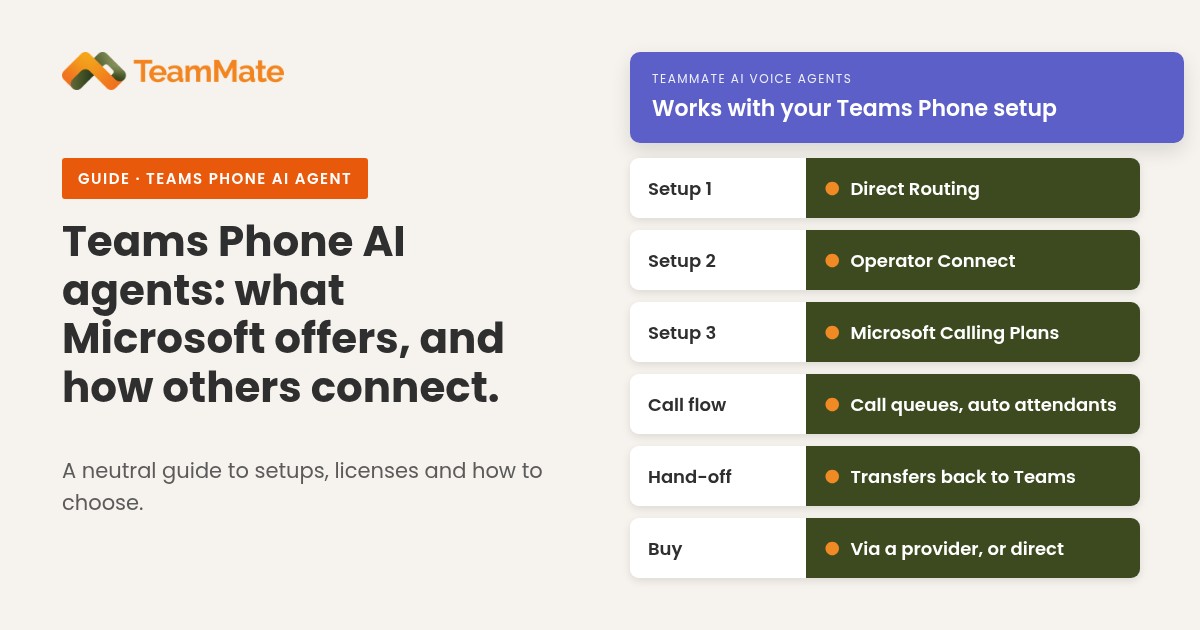
- SIP Trunk Connector automates Direct Routing, with SBCs included in 9 Azure regions, so you manage routing in your own portal instead of building SBC infrastructure. See Direct Routing as a Service.
Then add Call Manager to turn number delivery into a managed Teams Phone service. Its setup wizard gets a customer from numbers to a live main number, auto attendant and users in minutes, all in a portal that carries your brand. For the trade-offs between the two Microsoft paths, see Direct Routing vs Operator Connect.
2. Keep the phone system half: put your PBX behind Teams
The bundle asks customers to replace their phone system. Many don't want to rebuild years of call flows, IVRs, queues and integrations. PBX Connector connects 80+ PBX types to Teams. Each Teams user registers to their own extension, so calls are answered in Teams while park, transfer, presence, queues, BLF and the voicemail indicator keep running on your PBX. Numbers stay on your platform, the customer keeps one phone bill from you, and the service carries your brand.
For spotting at-risk accounts and leading the Teams conversation before someone else does, see How to Keep Your PBX Customers When They Move to Teams Phone.
3. Take the license out of the price
When a customer compares your quote with the bundle, the Teams Phone seat is part of the comparison. With PBX Connector and the ACS Call App, that per-user Microsoft license drops out, and users still call from inside Teams. Ask which Microsoft licenses the customer already owns before you quote, so the comparison is based on their actual licenses.
4. Sell more on top of Teams calling
Once calls flow through Teams, the conversation moves from cost to capability. TeamMate's white-label add-ons give you more to sell:
- AI Voice Agents answer calls in Teams in 40+ languages, with under 300 ms response.
- Teams Call Recording adds compliance recording for calls and meetings, including a payment (PCI) pause and resume.
- SMS Connector adds white-label SMS and MMS in Teams, with shared team inboxes for each number.
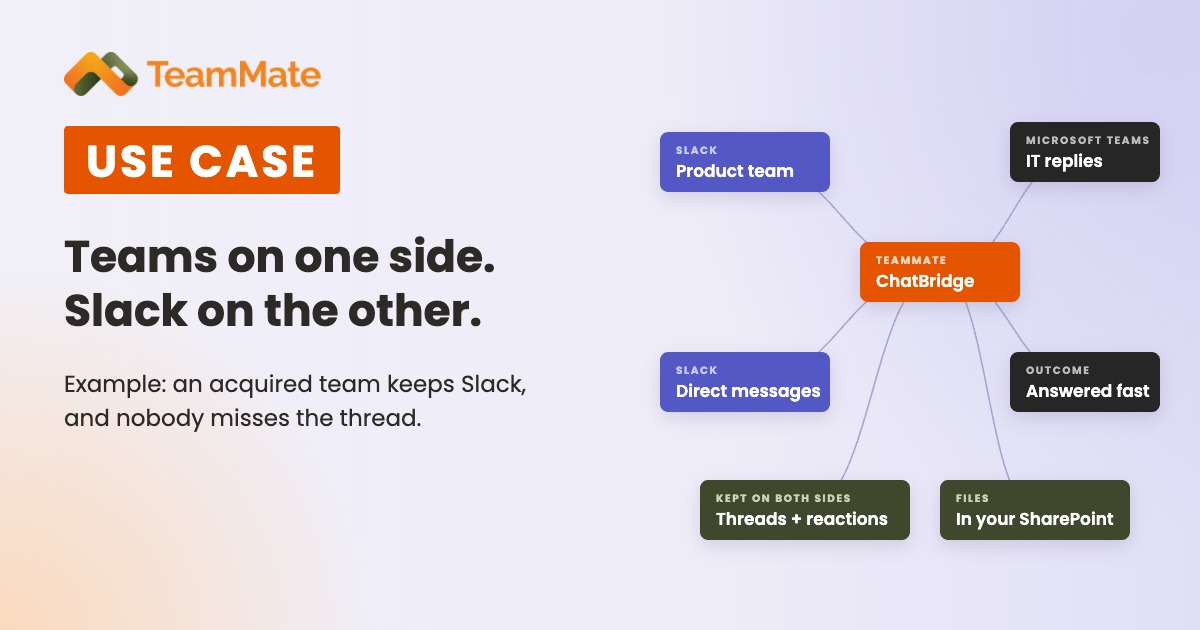
- ChatBridge connects chat between Teams, Slack, Zoom and Webex.
Which play fits which customer?
| Customer situation | Your play | TeamMate products |
|---|---|---|
| Owns E5 or Teams Phone licenses and needs numbers | Be the carrier inside Teams Phone | Operator Connect Express or SIP Trunk Connector |
| Needs a working phone system set up fast | Managed Teams Phone under your brand | Operator Connect Express or SIP Trunk Connector, plus Call Manager |
| Relies on PBX features and wants to call from Teams | Keep the PBX behind Teams | PBX Connector |
| Wants Teams calling without paying for Teams Phone | Remove the license | PBX Connector plus ACS Call App |
| Different needs in different departments | Mix the plays | Any of the above in one tenant |
You don't have to pick one play per customer. Microsoft says "multiple PSTN connectivity options can also be used within the same Teams tenant," and Operator Connect Express, SIP Trunk Connector and PBX Connector users can sit side by side in the same tenant, managed from one portal under your brand. For every integration path compared, see UCaaS Microsoft Teams integration.
TeamMate runs 100% on Microsoft Azure in 9 regions, is SOC 2 Type 2 certified, and is used by 30+ partners and 500+ service providers in 18 countries.
Frequently asked questions
How do UCaaS providers compete with the Microsoft Teams Phone bundle?
By unbundling it. The Teams Phone with Calling Plan bundle combines a phone system (Teams Phone) with Microsoft as the carrier (a Calling Plan). A provider can supply the numbers and calling inside Teams with Operator Connect Express or SIP Trunk Connector, keep its own PBX as the phone system with PBX Connector, or remove the Teams Phone license with the ACS Call App add-on.
Can customers use Microsoft Teams for calling without a Teams Phone license?
For calls inside the organization, yes: Microsoft says most Microsoft 365 plans allow peer-to-peer VoIP calls between Teams users. For calls to phone numbers, Microsoft requires a Teams Phone license with Calling Plans, Operator Connect, Teams Phone Mobile, Direct Routing and Shared Calling. With TeamMate PBX Connector plus the ACS Call App add-on, users call phone numbers inside Teams with no Teams Phone license, because calls run on Azure Communication Services.
Does Microsoft 365 E5 include phone numbers and calling?
E5 includes Teams Phone, but not a carrier. Microsoft says that even if users are assigned Enterprise E5 licenses, you still need to connect them to the PSTN, through options such as Calling Plans, Direct Routing or Operator Connect. That PSTN connection is a service a UCaaS provider can sell.
Do auto attendants and call queues need a Teams Phone license?
No. Their resource accounts need a Microsoft Teams Phone Resource Account license, which Microsoft says no longer has a cost. Microsoft says not to assign Teams Phone Standard to resource accounts, and a Calling Plan is only needed if the resource account must dial out.
Do I need to become a certified Operator Connect operator to sell calling in Teams?
No. TeamMate Operator Connect Express gets your own numbers into Teams just like a certified operator's, live in days, without Microsoft certification. You don't become a certified operator or get a card on Microsoft's Teams Providers page, and users still need a Teams Phone license.
Compete with the bundle under your own brand
Your customers will make calls from Teams either way. The question is whose numbers, features and invoice are behind those calls. Book a demo or start a free 30-day proof of concept to try PBX Connector, the ACS Call App, Operator Connect Express or SIP Trunk Connector with your own customers.