There is a hidden problem many businesses have: It's 5:15 on a Friday and a small business misses a call. The caller doesn't leave a voicemail. They call the next business on the list. Repeat that over every lunch hour, holiday and busy morning, and the lost revenue adds up fast.
For communication resellers, many of your customers and future opportunities already feel this. What they don't want is another phone tree that makes callers press 1, then 3, then 0, and still land in a voicemail box. They want every call answered by something that understands what the caller needs.
That's the opening for service providers. An AI receptionist sits on top of the voice service you already sell, fixes a problem your customers feel every week, and adds recurring revenue from every account. So what should you be looking for from an AI Voice agent suite of tools? Here's what the good ones should do, and what to look for in one you can sell as your own.
Why customers are asking for an AI receptionist
Staffing a front desk around the clock is expensive, and even a well-staffed desk gets swamped at peak times. Traditional auto attendants help a little, but callers hate them, and many hang up before they reach a person.
- Fewer missed calls, especially after hours.
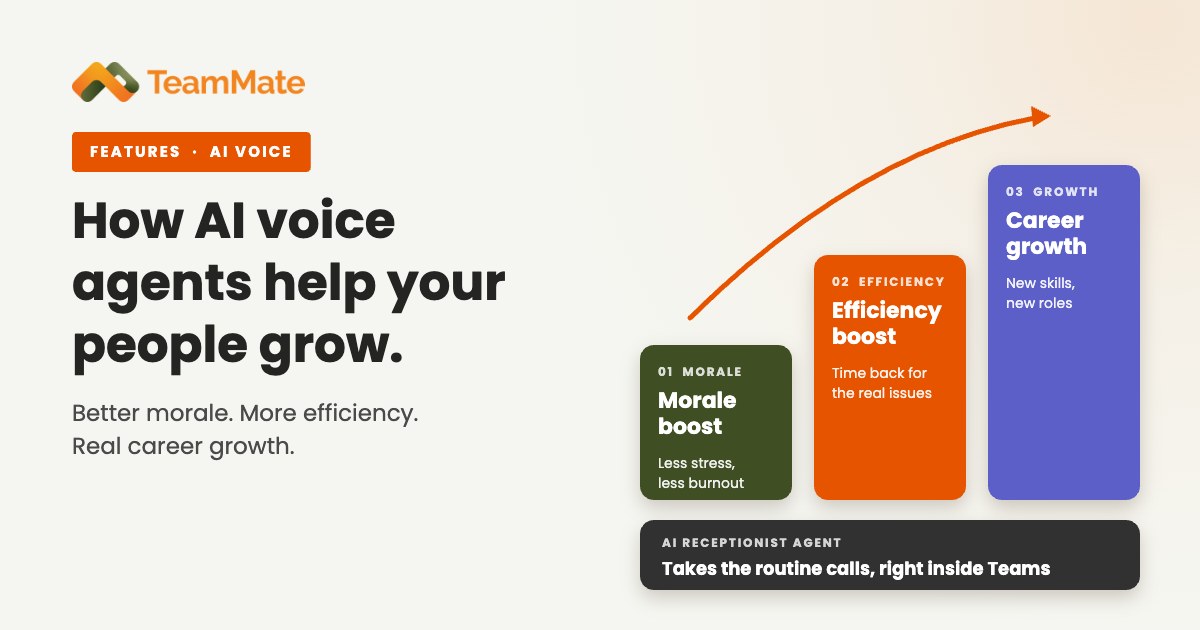
- Less interruption for staff who should be doing their real jobs.
- More booked work from the calls that do come in.
If they already run Microsoft Teams, they also want it to fit the tools their people use every day. An AI receptionist that delivers those outcomes is an easy conversation, and it's one you can have with every customer on your books.
Seven things a good AI receptionist should do
1. Answer every call, day or night
The basic promise is simple: no call goes unanswered. The agent picks up on the first ring at 2 a.m. the same way it does at 10 a.m., and it handles several callers at once. After hours, it can ask the right questions, then escalate the urgent ones or open a trouble ticket for the morning.
2. Send callers to a person, not a menu
A good AI receptionist replaces the multi-level phone tree. The caller says what they need in plain words, and the agent routes them to the right person or department.
On Microsoft Teams, TeamMate agents look up users in the Teams directory and use warm transfer, so the call arrives with context. Adaptive Call Cards show the person what the caller wants while the phone is still ringing.
3. Book and change appointments on the call
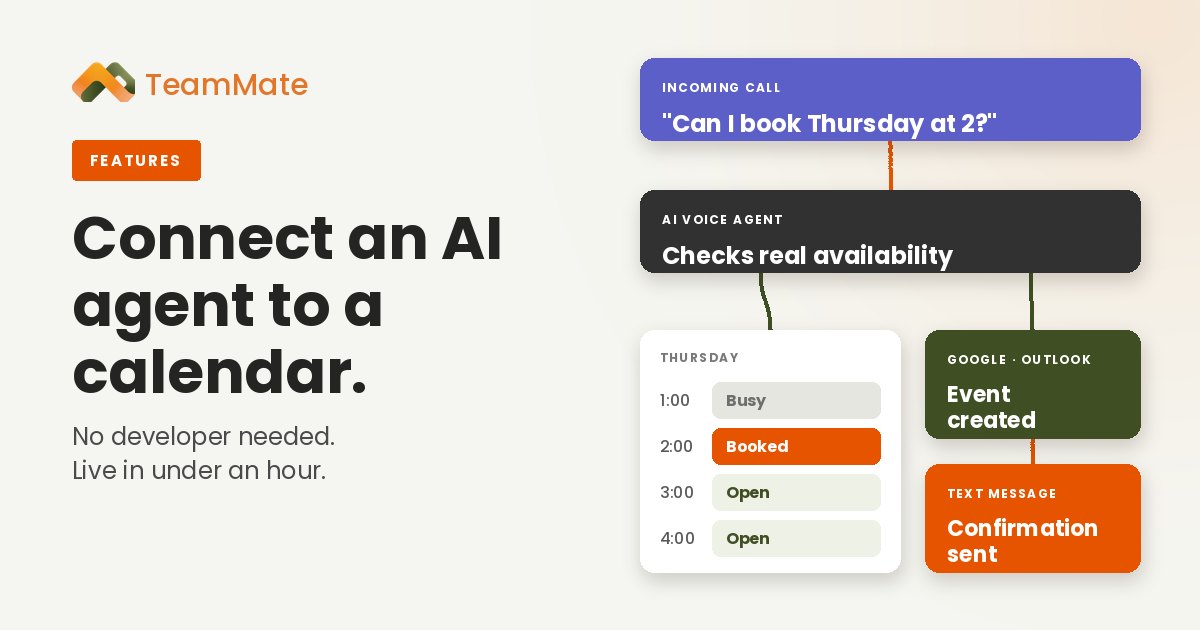
For service businesses, booking is where the money is. The agent checks the calendar, offers open times and books the appointment before the caller hangs up. Outbound calls can confirm or reschedule and update the calendar too. TeamMate connects to Google Calendar and Outlook Calendar, and partners can set it up without a developer. We covered that step by step in Connect an AI Agent to a Calendar, No Developer Needed.
4. Speak the caller's language
Your customers' callers don't all speak English, and they shouldn't have to. TeamMate agents work in many languages, with custom voices and a pronunciation guide so names and products sound right. A Translator template can even join a live call as a third party and interpret in real time.
5. Answer from the business's own knowledge
Callers ask about hours, services, pricing and policies. The agent should answer from the business's own material, not guess from the open internet. TeamMate agents use a knowledge base built from the customer's content, and the prompt can be edited anytime. When the business changes its hours or adds a service, the agent knows by the next call.
6. Finish the job
This is where many AI receptionists stop short. Answering and routing is useful, but the real value comes when the agent completes the task. TeamMate agents can:
- Take card payments on the call.
- Send SMS and email follow-ups from templates.
- Trigger webhooks and n8n workflows, during or after the call.
- Reach CRM, ERP, ticketing and scheduling systems through MCP integrations.
Before it releases information, the agent confirms who it's talking to.
7. Leave a record of every call
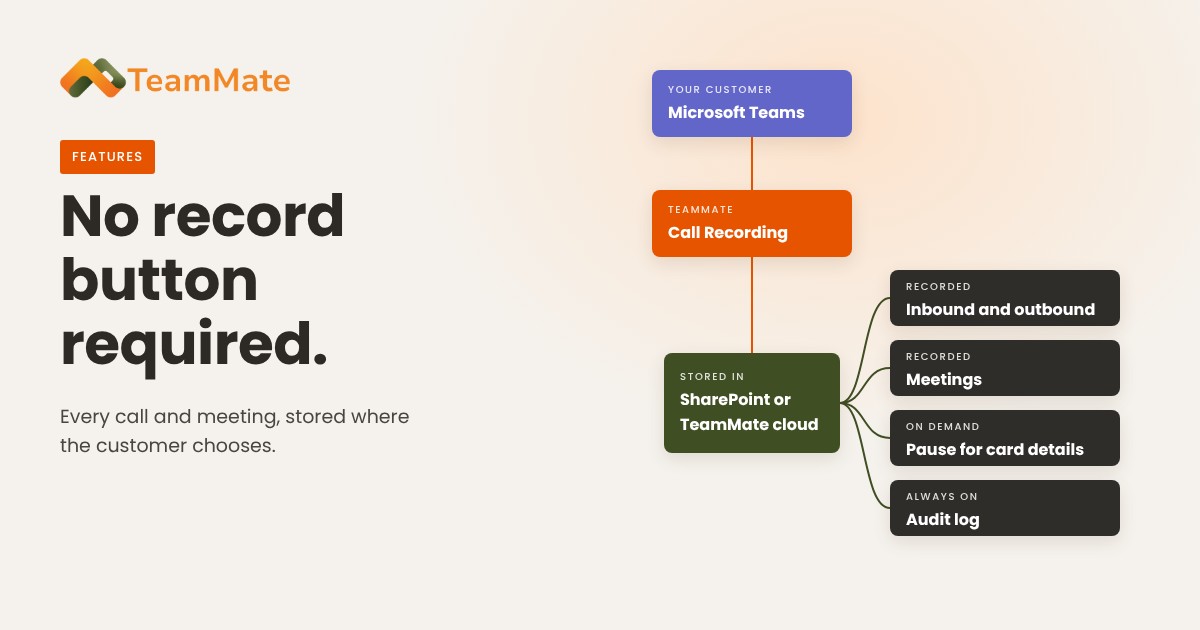
Every call is transcribed and summarized, so nothing depends on someone's memory. On Teams, the summary can post straight into the chat with the caller, reason, outcome and next step. Sensitive details are redacted from transcripts and records, and TeamMate will sign a Business Associate Agreement for healthcare clients.
What makes it yours to sell
Capabilities win the demo. The business model decides whether it's worth selling. With TeamMate AI Voice Agents:
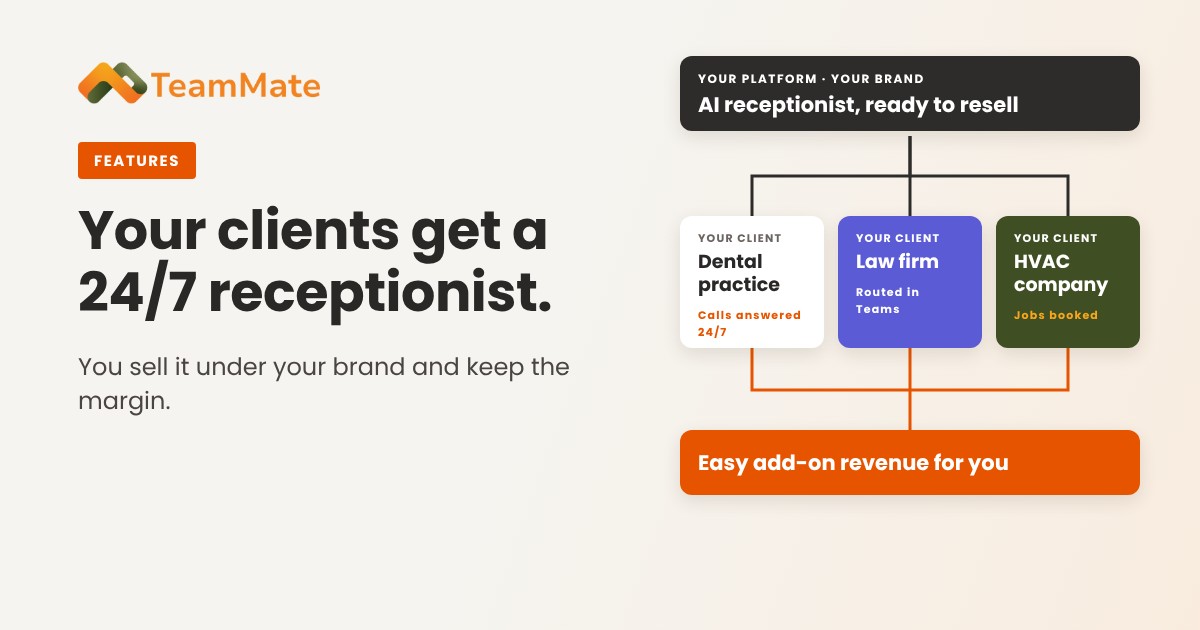
- It carries your brand. Your name, your domain, your pricing, and email from your own SMTP. Your customer buys from you.
- It runs on Teams and on your platform. Agents connect to Teams through Direct Routing with Microsoft-certified SBCs, and the same agents run on your own phone system, such as NetSapiens.
- It scales with your customer base. A developer API provisions agents for every customer you onboard.
- You own the relationship. You give first-line support, and TeamMate backs you up.
Microsoft's own Teams Phone Agent is bought by the customer directly from Microsoft, and providers can't resell it. For a deeper look at that comparison, read Selling AI Voice Agents for Microsoft Teams.
Getting started
You don't have to build from scratch. Start from a template (Receptionist,Transfer, Message Taker, Scheduling, After Hours Helpdesk and more), edit the prompt for your customer, and put it on a real number. Our post on 7 AI voice agent templates shows where each one fits.
Then prove it with your own customers. TeamMate offers a free 30-day proof of concept for service providers.
Ready to add an AI receptionist to your lineup? See AI Voice Agents or book a demo.